React JS - The Lightest JS Framework
React JS
React JS
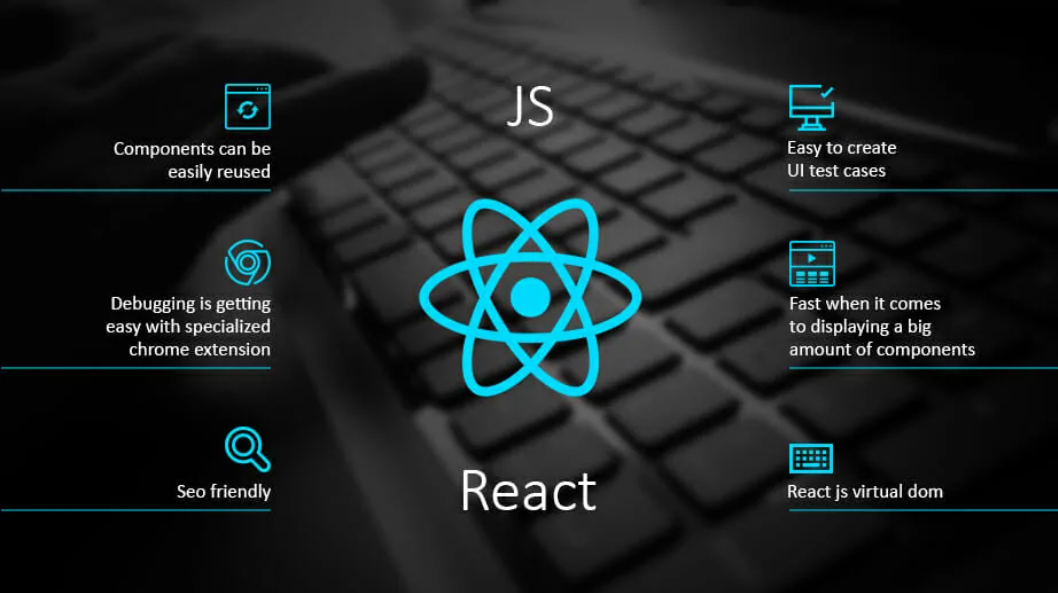
is one of the best JS frameworks, and it is developed and maintained by Facebook. React JS is used in many websites, and it is used in the interface of Facebook. The best thing about React JS is that it keeps all the things in a simple way. It has a feature that keeps everything simple and in a very organized manner.
This blog talks about the power of react JS and React JS Hooks.
1. What is React JS?
2. What makes React JS Different?
3. How Is React JS Used?
1. What is React JS ?
React JS is a JavaScript library for building user interfaces. It's declarative, efficient and flexible. It helps developers to build large web-applications that are fast in the first time of usage. It was initially released on April 8, 2013. The first commit was published by Jordan Walke which reads "Minimalistic framework for building user interfaces". It's declarative, efficient, and flexible. It makes it painless to create interactive UIs. Declarative views make your code more predictable and easier to debug.
2. What makes React JS Different?
React is a JavaScript library for building user interfaces, which can be viewed as an alternative to the standard view in MVC architecture. It was created by Facebook and Instagram developers, and it was released as open source at JS Conf in May 2013. React is popular because of its features like virtual DOM, one-way data flow, time-saving tools, memory optimization and modularity. React has two main principles that make it different. First, the components are written in Javascript and can be used to build any kind of application. Second, the presentation layer is separated from the data layer which makes all data reusable across components by default. React has two main principles that make it different. First, the components are written in Javascript and can be used to build any kind of application. Second, the presentation layer is separated from the data layer which makes all data reusable across components by default.
3. How Is React JS Used?
To use React in production, you need npm which is included with Node.js.
To get an overview of what React is, you can write React code directly in HTML.
But in order to use React in production, you need npm and Node.js installed.
React Directly in HTML
The quickest way start learning React is to write React directly in your HTML files.
Start by including three scripts, the first two let us write React code in our JavaScripts, and the third, Babel, allows us to write JSX syntax and ES6 in older browsers.
You will learn more about JSX in the React JSX chapter.
Example
Include three CDN's in your HTML file:
<!DOCTYPE html>
<html>
  <head>
    <script src="https://unpkg.com/react@18/umd/react.development.js" crossorigin></script>
    <script src="https://unpkg.com/react-dom@18/umd/react-dom.development.js" crossorigin></script>
    <script src="https://unpkg.com/@babel/standalone/babel.min.js"></script>
  </head>
  <body>

    <div id="mydiv"></div>

    <script type="text/babel">
      function Hello() {
        return <h1>Hello World!</h1>;
      }

      ReactDOM.render(<Hello />, document.getElementById('mydiv'))
    </script>

  </body>
</html>
This way of using React can be OK for testing purposes, but for production you will need to set up a React environment.
Setting up a React Environment
If you have npx and Node.js installed, you can create a React application by using
create-react-app.If you've previously installed
create-react-appglobally, it is recommended that you uninstall the package to ensure npx always uses the latest version ofcreate-react-app.To uninstall, run this command:
npm uninstall -g create-react-app.Run this command to create a React application named
my-react-app:npx create-react-app my-react-appThe
create-react-appwill set up everything you need to run a React application.Run the React Application
Now you are ready to run your first real React application!
Run this command to move to the
my-react-appdirectory:cd my-react-appRun this command to run the React application
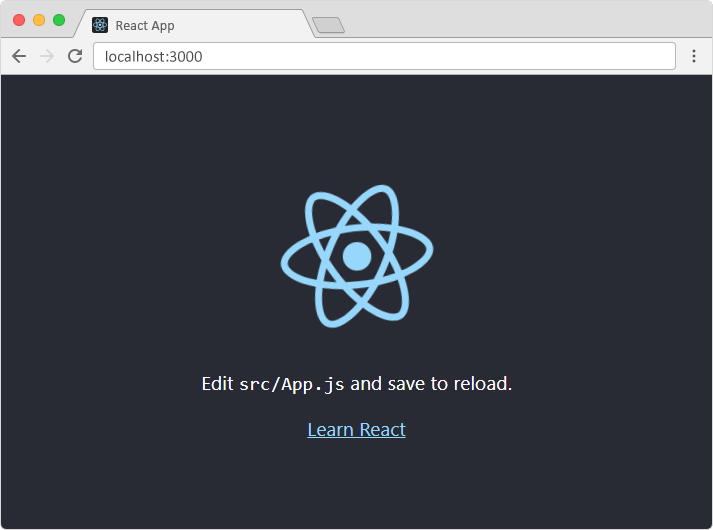
my-react-app:npm startA new browser window will pop up with your newly created React App! If not, open your browser and type
localhost:3000in the address bar.
The result will be like this :


Comments
Post a Comment